
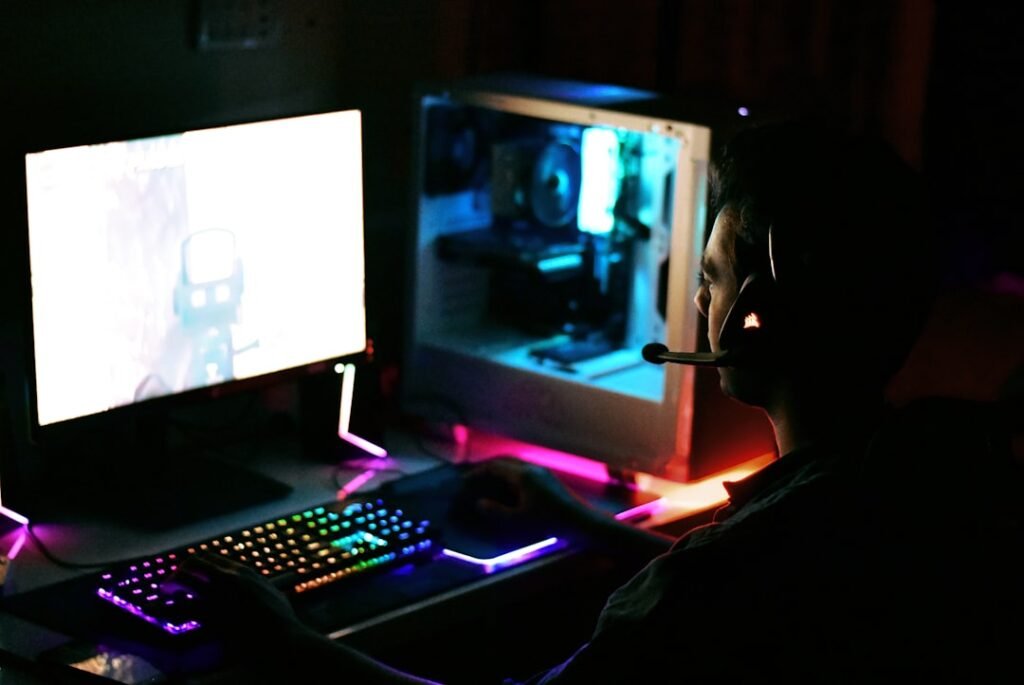
Selecting the appropriate hardware is a fundamental step in building a gaming PC that meets the demands of modern gaming. The heart of any gaming rig is the central processing unit (CPU), which plays a crucial role in determining overall performance. Gamers should consider processors with multiple cores and high clock speeds, as these features enable smoother gameplay and better multitasking capabilities.
Brands like Intel and AMD offer a range of options, each with unique strengths. For instance, AMD’s Ryzen series has gained popularity for its excellent multi-threading performance, making it a favorite among gamers who also engage in content creation. In addition to the CPU, the graphics processing unit (GPU) is arguably the most critical component for gaming performance.
A powerful GPU can significantly enhance visual fidelity and frame rates, allowing players to experience games as they were intended. When choosing a GPU, gamers should consider factors such as VRAM, architecture, and compatibility with their chosen monitor’s resolution and refresh rate. High-end options from NVIDIA and AMD can provide stunning graphics, but budget-conscious gamers can also find capable mid-range cards that deliver excellent performance without breaking the bank.
Ultimately, the right hardware selection lays the foundation for an immersive gaming experience.
Key Takeaways
- Select hardware components that balance performance and budget for optimal gaming experience.
- Adjust graphics settings to achieve smooth gameplay without sacrificing visual quality.
- Use gaming software tools to optimize system performance and manage game libraries.
- Improve audio quality with proper sound settings and quality peripherals for immersive gameplay.
- Customize controls and keybindings to enhance comfort and responsiveness during play.
Optimizing Graphics Settings
Once the hardware is in place, optimizing graphics settings becomes essential for achieving the best possible gaming experience.
Gamers should experiment with these settings to find the sweet spot that works for their specific hardware setup. Moreover, utilizing tools such as NVIDIA’s GeForce Experience or AMD’s Radeon Software can simplify the optimization process. These applications often include features that automatically adjust settings based on the user’s hardware specifications, ensuring an optimal gaming experience right out of the box.
Additionally, players can take advantage of advanced settings like anti-aliasing and ambient occlusion to enhance visual quality further. By carefully managing graphics settings, gamers can enjoy a smoother experience while still appreciating the stunning visuals that modern games have to offer.
Utilizing Gaming Software
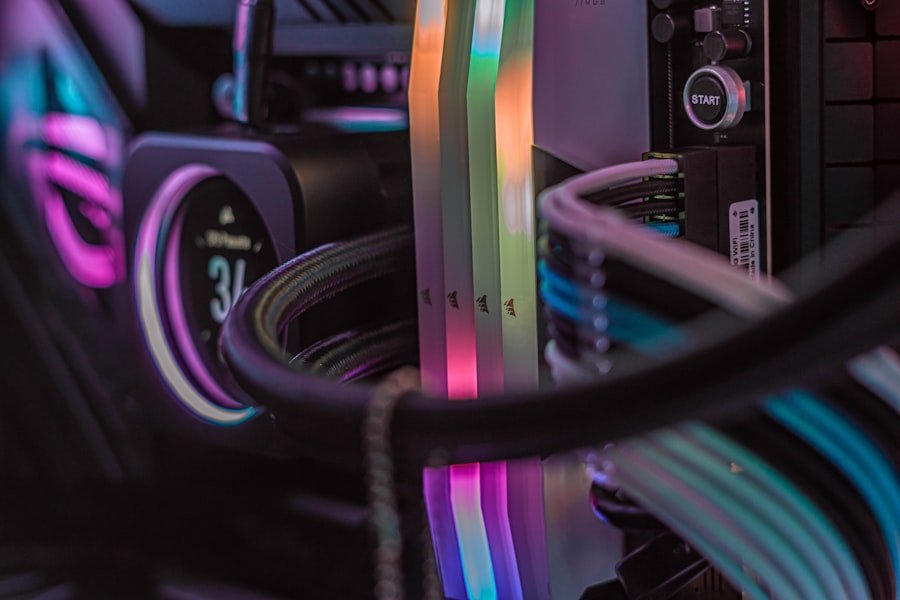
In the realm of gaming, software plays a pivotal role in enhancing performance and user experience. Various gaming software solutions are available that can help players optimize their systems and improve gameplay. For instance, game launchers like Steam, Epic Games Store, and Origin not only provide access to a vast library of games but also offer features such as cloud saves and automatic updates.
These conveniences allow gamers to focus on their gameplay rather than worrying about managing their game libraries. Additionally, third-party applications can further enhance the gaming experience. Programs like MSI Afterburner enable users to monitor system performance in real-time, allowing them to tweak settings on-the-fly for optimal performance.
Similarly, software like Discord facilitates communication among players during multiplayer sessions, enhancing teamwork and coordination. By leveraging these tools, gamers can create a more enjoyable and efficient gaming environment that caters to their specific needs.
Enhancing Audio Quality
Audio quality is often an overlooked aspect of gaming, yet it plays a significant role in creating an immersive experience. High-quality sound can enhance gameplay by providing crucial audio cues that inform players about their surroundings and actions within the game world. To achieve superior audio quality, gamers should invest in a good pair of headphones or speakers that deliver clear sound and deep bass.
Brands like SteelSeries and HyperX offer a range of gaming headsets designed specifically for immersive audio experiences. Furthermore, utilizing software solutions such as Dolby Atmos or DTS:X can elevate audio quality even further by providing spatial sound capabilities. These technologies create a three-dimensional audio environment that allows players to pinpoint sounds more accurately, enhancing situational awareness during gameplay.
By prioritizing audio quality and investing in the right equipment and software, gamers can significantly enrich their overall gaming experience.
Customizing Controls and Keybindings
| Metric | Value | Notes |
|---|---|---|
| Average Frame Rate (FPS) | 60-144 FPS | Depends on game and hardware |
| Popular GPU Models | RTX 3060, RTX 4070, RX 6800 | Common choices for 1080p to 1440p gaming |
| Average Gaming PC Build Cost | 1000 – 2000 | Mid-range to high-end builds |
| Most Played PC Game (2024) | Fortnite | Based on active player count |
| Average Gaming Session Length | 2-3 hours | Varies by player and game type |
| Top PC Gaming Platform | Steam | Largest digital distribution platform |
| Esports Prize Pools | Up to 40 million | Annual total for major tournaments |
Customizing controls and keybindings is an essential step for gamers looking to optimize their gameplay experience. Every player has unique preferences when it comes to control schemes, and finding the right setup can make a substantial difference in performance. Most games allow players to remap keys or buttons to suit their playstyle, enabling them to execute actions more efficiently during intense moments.
For instance, first-person shooters often benefit from customized keybindings that allow for quick access to weapons or abilities. In addition to remapping keys, gamers can also explore the use of gaming mice and keyboards that come equipped with programmable buttons. These devices allow players to assign complex macros or commands to specific buttons, streamlining gameplay and providing a competitive edge.
By taking the time to customize controls and keybindings, players can enhance their comfort and responsiveness during gameplay, ultimately leading to improved performance.
Managing Storage and Memory
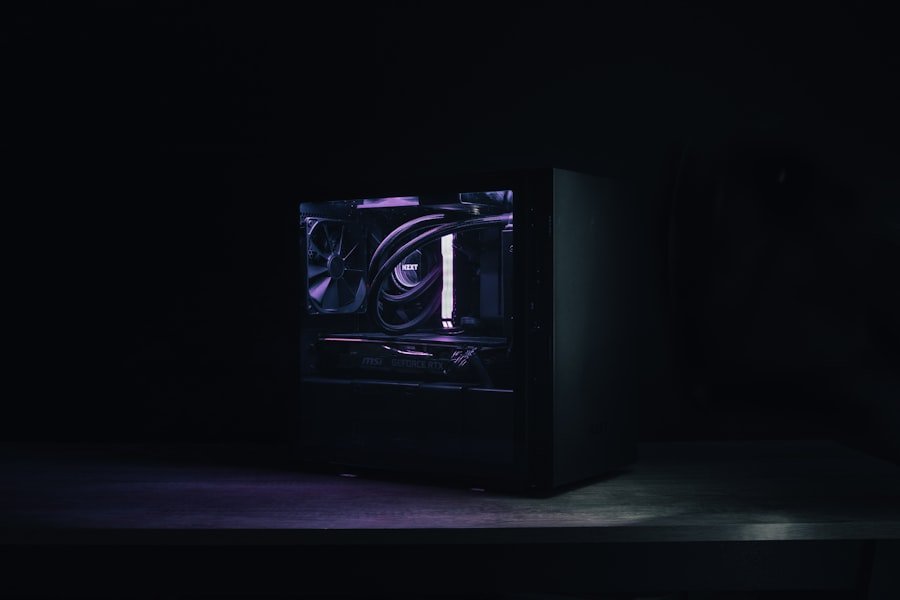
Efficient management of storage and memory is crucial for maintaining optimal gaming performance. As games continue to grow in size and complexity, having sufficient storage space becomes increasingly important. Solid-state drives (SSDs) have become the preferred choice for gamers due to their faster load times compared to traditional hard drives (HDDs).
Installing games on an SSD can significantly reduce loading screens and improve overall responsiveness during gameplay. In addition to storage solutions, managing system memory (RAM) is equally important. Most modern games recommend a minimum of 16GB of RAM for smooth performance; however, having 32GB or more can provide additional headroom for multitasking or running background applications while gaming.
Gamers should also consider utilizing memory management tools that help optimize RAM usage by closing unnecessary background processes. By effectively managing storage and memory resources, players can ensure a seamless gaming experience without interruptions or slowdowns.
Networking for Multiplayer Gaming
In today’s gaming landscape, networking plays a vital role in facilitating multiplayer experiences. A stable and fast internet connection is essential for online gaming, as lag or disconnections can severely impact gameplay quality. Gamers should consider investing in a high-speed internet plan that meets their needs, as well as using wired connections whenever possible for reduced latency compared to Wi-Fi.
Additionally, optimizing network settings can further enhance online gaming experiences. Configuring Quality of Service (QoS) settings on routers allows users to prioritize gaming traffic over other types of data, ensuring smoother connections during intense gaming sessions. Furthermore, utilizing tools like PingPlotter can help diagnose network issues by providing insights into latency and packet loss.
By focusing on networking strategies, gamers can enjoy seamless multiplayer experiences without frustrating interruptions.
Maintaining and Upgrading Your PC
Regular maintenance and timely upgrades are essential for keeping a gaming PC running smoothly over time. Dust accumulation can hinder airflow and lead to overheating issues; therefore, routine cleaning of components such as fans and heatsinks is crucial for maintaining optimal performance. Gamers should also keep an eye on system temperatures using monitoring software to ensure that components are operating within safe limits.
Upgrading hardware components periodically is another way to extend the lifespan of a gaming PAs new games are released with higher system requirements, upgrading the GPU or adding more RAM can significantly improve performance without needing an entirely new build. Additionally, staying informed about advancements in technology allows gamers to make educated decisions about when to upgrade their systems for maximum efficiency. By prioritizing maintenance and upgrades, players can ensure their gaming rigs remain capable of handling the latest titles for years to come.
For those interested in the latest trends and developments in PC gaming, a great resource is the article found at Tech Progress Lab. This site covers a wide range of technology topics, including in-depth analyses and reviews of the newest gaming hardware and software, making it a valuable destination for gamers looking to stay informed.